


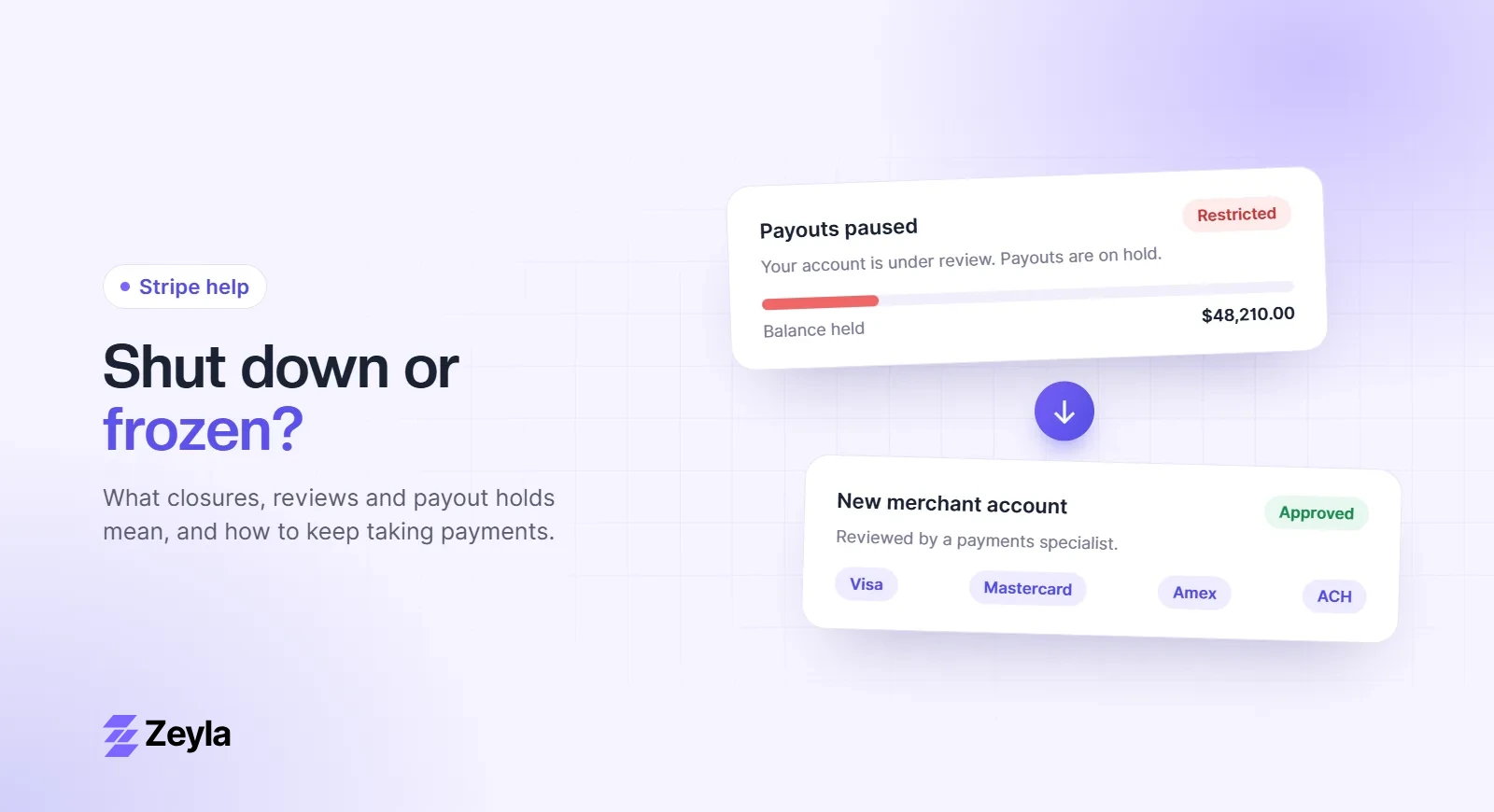
Few emails are as alarming for a business owner as the one saying Stripe has closed, restricted or paused your account. Sales stop, payouts freeze, and the explanation is often a single line about "risk". If that's where you are today, this guide walks through what is happening, what you can do in the next 48 hours, and how to keep your business taking payments while it gets sorted out.
Zeyla is an independent payment processing company and is not affiliated with Stripe, Inc. Everything below is based on Stripe's published policies and what we see from merchants who come to us after a closure.
First, work out what actually happened
"Shut down" can mean several different things, and each has a different fix. Check your email and the Stripe Dashboard for the exact wording:
- Verification requested. Stripe needs more information about you or your business. Charges or payouts may be paused until you provide it. This is usually the easiest to resolve. See Stripe account under review: what it means.
- Charges or payouts paused. Stripe has stopped new payments, payouts, or both while it reviews risk.
- Account closed or rejected. Stripe has decided not to continue the relationship. You may still be able to appeal.
- Funds held. Your balance is being kept for a period to cover refunds and disputes. See how Stripe's 120-day hold works.
Why Stripe closes accounts
Stripe's Unacceptable Risk Policy says it uses machine learning models, rules and human reviews to detect risk, and that it may pause charges, pause payouts, reverse payments or close an account when it finds risk it considers unacceptable. In practice, closures usually trace back to one of these:
- Your industry. Stripe publishes a list of prohibited and restricted businesses. CBD, some supplements, adult content, firearms, certain travel and many crypto models are common examples. Accounts are often approved automatically at sign-up and closed once a review identifies the category.
- Disputes and refunds. A rise in chargebacks, fraud reports or refunds is one of the most common triggers.
- A sudden change in activity. A spike in volume, much larger tickets, new products or a new country of customers can prompt a review.
- Future delivery. Pre-orders, long subscriptions, events or travel sold far in advance increase the risk Stripe carries.
- Verification problems. Information that doesn't match, or documents that weren't provided in time.
We go deeper on each in why Stripe closes accounts.
What happens to your money
This is usually the first question, and the honest answer is that it depends on the notice you received. Stripe's policy says that when it acts on risk, payouts are typically paused for 120 days from the first notice. During that time the balance can be used to cover refunds, disputes and chargebacks. At the end of the period Stripe reviews the account and may release all or part of what's left, keep holding some of it, or, in limited cases, cancel the payout.
What you can do now:
- Note the date of the first notice so you know when the review period ends.
- Keep refunding customers who ask, rather than letting refunds become disputes.
- Answer every dispute with evidence, because each one you lose comes out of the held balance.
- Keep records of every message you send and receive.
How to appeal
Stripe's policy says that, where an appeal is available, you can usually submit one through the Dashboard, and that an unsuccessful appeal may be followed by one more. A good appeal is specific and backed by documents. It should explain:
- Exactly what you sell, to whom, and how it's delivered
- Why disputes or refunds rose, if they did, and what you have changed
- Proof of fulfilment for recent orders, such as tracking, invoices or access logs
- Your refund and cancellation policies and where customers see them
- Processing statements and, if relevant, any licenses for your industry
Our step-by-step guide, how to appeal a Stripe account closure, includes a template you can adapt.
Be realistic about the odds. If your account was closed because your industry is on Stripe's prohibited list, an appeal is unlikely to change that decision. Appeals work best when the problem was a misunderstanding, missing information or a temporary spike in disputes you can explain.
Keep taking payments while you sort it out
Waiting four months for a review without any way to get paid can sink a small business. Most merchants in this situation start applying elsewhere straight away, in parallel with the appeal. Here's how to do that well:
- Download your data now. Export your transaction history, dispute and refund reports, and monthly statements from the Dashboard while you still have access. A new processor will want to see them.
- Be upfront. Tell the new provider that Stripe closed your account and why, as far as you know. Underwriters see this often, and hiding it is a much bigger red flag than the closure itself.
- Choose a provider that underwrites your industry. If your category is high-risk, look for a provider that reviews it deliberately rather than one that approves instantly and reviews later. Our guide to high-risk vs. low-risk merchant accounts explains the difference.
- Plan the switch. Update your checkout, billing descriptor and any subscriptions in one go. See how to switch payment processors without losing sales.
If you sell subscriptions, ask Stripe support whether your stored card data can be migrated to your new processor. Stripe documents a data migration process for moving card data to another PCI-compliant provider, which can save you from asking every customer to re-enter their card.
Will this affect future applications?
A Stripe closure on its own doesn't stop you getting a merchant account elsewhere, but underwriters will ask about it. In more serious cases, such as very high chargebacks or suspected fraud, a business can be added to the card networks' MATCH list, which makes approval much harder. If you think that may apply to you, read getting a merchant account after the MATCH list.
How to avoid it happening again
- Tell your processor exactly what you sell, including any products in restricted categories.
- Keep your chargeback ratio well below network thresholds. Our guide to lowering your chargeback ratio covers the practical steps, and the chargeback ratio calculator shows where you stand.
- Warn your processor before big changes in volume, pricing or products.
- Use a billing descriptor customers recognise, and make refunds easy.
Get a second opinion
If Stripe has closed your account, a payments specialist can tell you quickly whether your business can be placed elsewhere and on what terms. Zeyla reviews every application personally, including businesses that another processor has declined or closed. Applying is free and takes about 3 minutes. You can also compare options on our Stripe alternative for high-risk businesses page.
Apply in about 3 minutes or talk to a specialist.
Using another provider? See our guides for when PayPal limits your account, Square deactivates your account or Shopify Payments puts your account on hold.