


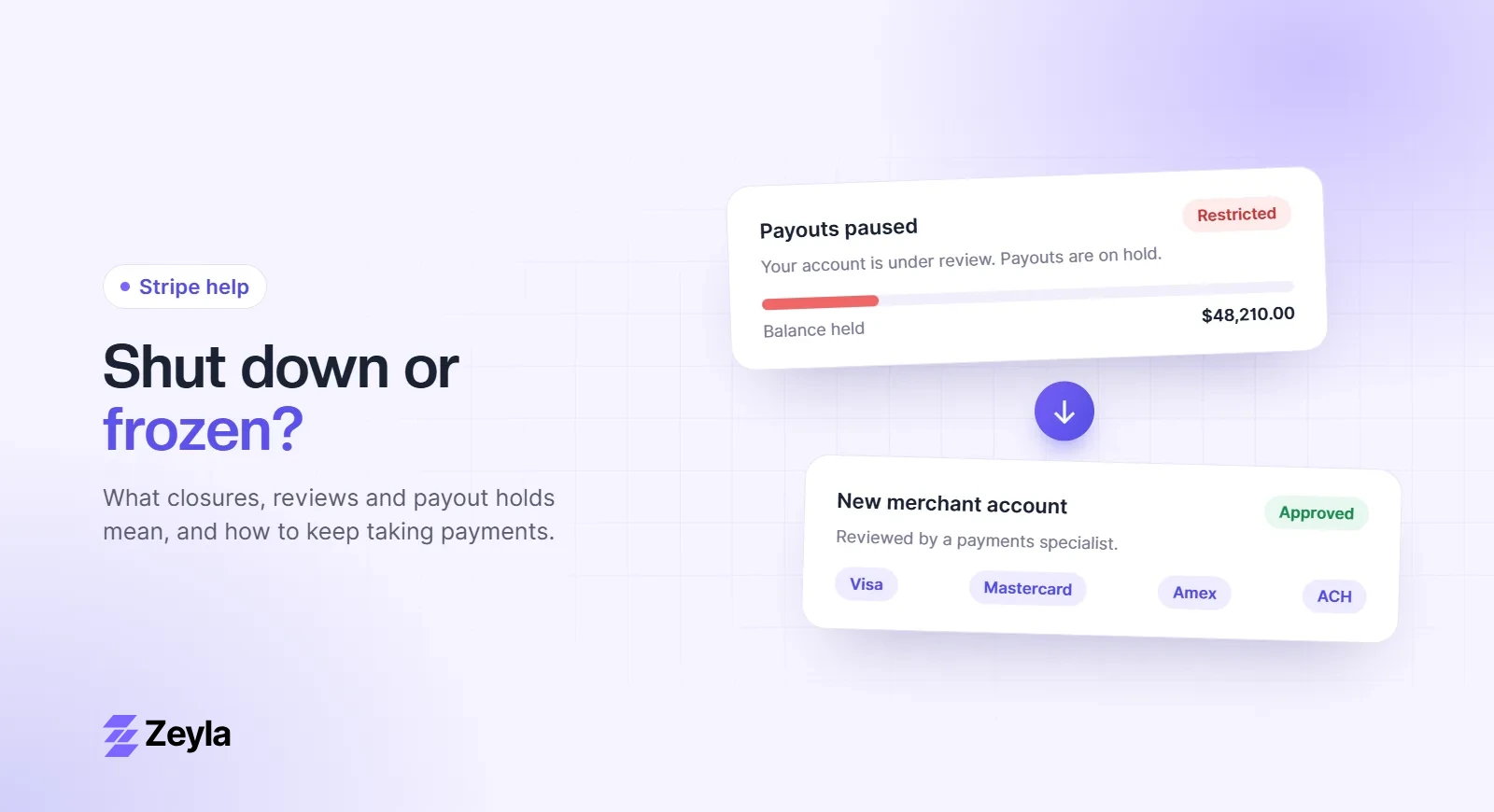
A message that your Stripe account is "under review" doesn't mean it's closed. It means Stripe wants to understand your business better before it continues, or before it releases payouts. How you respond in the next few days often decides whether the review ends quietly or turns into a closure.
Zeyla is an independent payment processing company and is not affiliated with Stripe, Inc.
The two kinds of review
Verification reviews
Payment providers are required to know who they are working with. Stripe may ask you to confirm your identity, your business details, your website or who owns the business. These requests often come at sign-up, when you reach certain volumes, or when details change. Charges or payouts may be paused until you respond.
Risk reviews
A risk review looks at how your account is behaving: disputes, refunds, fraud signals, volume or the type of products you sell. Stripe's Unacceptable Risk Policy says it uses automated models, rules and human reviewers, and that it may pause charges or payouts, reverse payments or close an account if it finds risk it considers unacceptable.
Common triggers
- A big jump in volume or average order size
- A rise in disputes, fraud reports or refunds
- Selling something new, especially in a restricted category
- Taking payment long before delivery, such as pre-orders or events
- Mismatched details between your account, website and documents
What to send
Answer exactly what is asked, quickly and completely. Depending on the request, that may include:
- Government ID for owners and representatives
- Business registration documents and tax ID
- A bank statement or letter for your payout account
- An explanation of what you sell, how you fulfil orders and your delivery times
- Invoices, supplier receipts or shipping records for recent orders
- Processing statements from any previous provider
- Licenses or certifications for regulated products
If the review relates to disputes, explain the cause and what you have changed. Our guide on appealing a Stripe closure lists the information Stripe's own guidance asks for and includes a template.
Make your website review-ready
Reviewers almost always look at your site. Before you reply, check that it shows:
- Clear product descriptions and prices
- Refund, cancellation and shipping policies
- Real contact details, including a business address and email
- Terms of service and a privacy policy
- No claims that could look misleading, such as guaranteed results
Our approval checklist lists what underwriters look for. It applies to any provider.
How long does a review take?
Stripe doesn't publish a fixed timeline. Verification reviews can clear quickly once the right documents are in. Risk reviews take longer, and if a review leads to a payout pause, Stripe's policy says payouts are typically paused for 120 days from the first notice. See how the 120-day hold works.
Prepare a backup, just in case
Most reviews end without a closure. But if your business depends on card payments, it's sensible to prepare a fallback while you wait:
- Download your transaction, dispute and refund history from the Dashboard.
- Save your monthly statements as PDFs.
- If you are in a high-risk industry, apply for a second merchant account with a provider that underwrites it, so you aren't starting from zero if the review goes badly.
If the worst happens, our guide Stripe shut down my account: what to do next walks you through it.
Talk to a specialist
Zeyla reviews every application personally and works with businesses in industries that general-purpose providers restrict. Apply in about 3 minutes or see our Stripe alternative for high-risk businesses.