


A PayPal limitation can stop a business overnight. You may still be able to log in, but you can't send or withdraw money, and if PayPal decides to stop working with you, your balance is held for months. This guide explains what is happening, what the 180-day hold covers and the practical steps that protect your cash flow.
Zeyla is an independent payment processing company and is not affiliated with PayPal. This article summarises PayPal's published help content and general card industry practice. Always check the specific notice you received.
Limited versus closed
A limitation is PayPal restricting what your account can do while it reviews something, for example a spike in sales, a change in what you sell, a run of disputes or missing business information. Many limitations can be lifted by completing the tasks PayPal lists in your account, such as confirming your identity, sending invoices or tracking numbers, or explaining your business model.
If PayPal decides it can't continue offering its services to you, the limitation becomes permanent. That is when the 180-day hold applies.
How the 180-day hold works
According to PayPal's help center, when it stops offering its services, your remaining balance is held for 180 days from the date the account was limited. The money is still yours, but PayPal keeps it in reserve to cover disputes and reversals that customers may still file. During that time you can usually still log in and refund buyers.
When the 180 days are up, PayPal contacts you about withdrawing what remains, either to your bank account or by check. If your balance is negative, PayPal expects you to bring it back to zero.
Why 180 days?
Customers can dispute card and PayPal payments for months after a purchase. Holding the balance until most of those windows have closed protects PayPal from paying out money it may later have to return. Businesses that deliver in the future, such as travel, events, pre-orders and subscriptions, carry more of this risk, which is one reason they are limited more often.
What to do right away
- Read the notice carefully. Note whether PayPal asks you to complete tasks, which means the limitation may be lifted, or says it can no longer offer its services.
- Complete every requested task with accurate, consistent documents. Incomplete or inconsistent answers can turn a fixable limitation into a permanent one.
- Download your transaction history and statements while you have access. A new processor will want to see them.
- Refund customers you can't serve. Every dispute you prevent is money that won't be taken from your held balance.
- Answer disputes quickly and fully. Lost disputes come out of the held funds.
Keep taking payments while the hold runs
Half a year without income is not realistic for most businesses. Most merchants in this position open a dedicated merchant account while the hold runs its course:
- Apply with a provider that underwrites your industry, and be upfront about the PayPal limitation. Underwriters will see your history either way.
- Expect sensible protections on a new account, such as a modest rolling reserve or volume limits at first.
- Fix whatever triggered the limitation, whether that is clearer refund terms, faster delivery or better fraud screening, so the new account stays healthy.
- Switch your checkout in one move. See how to switch payment processors.
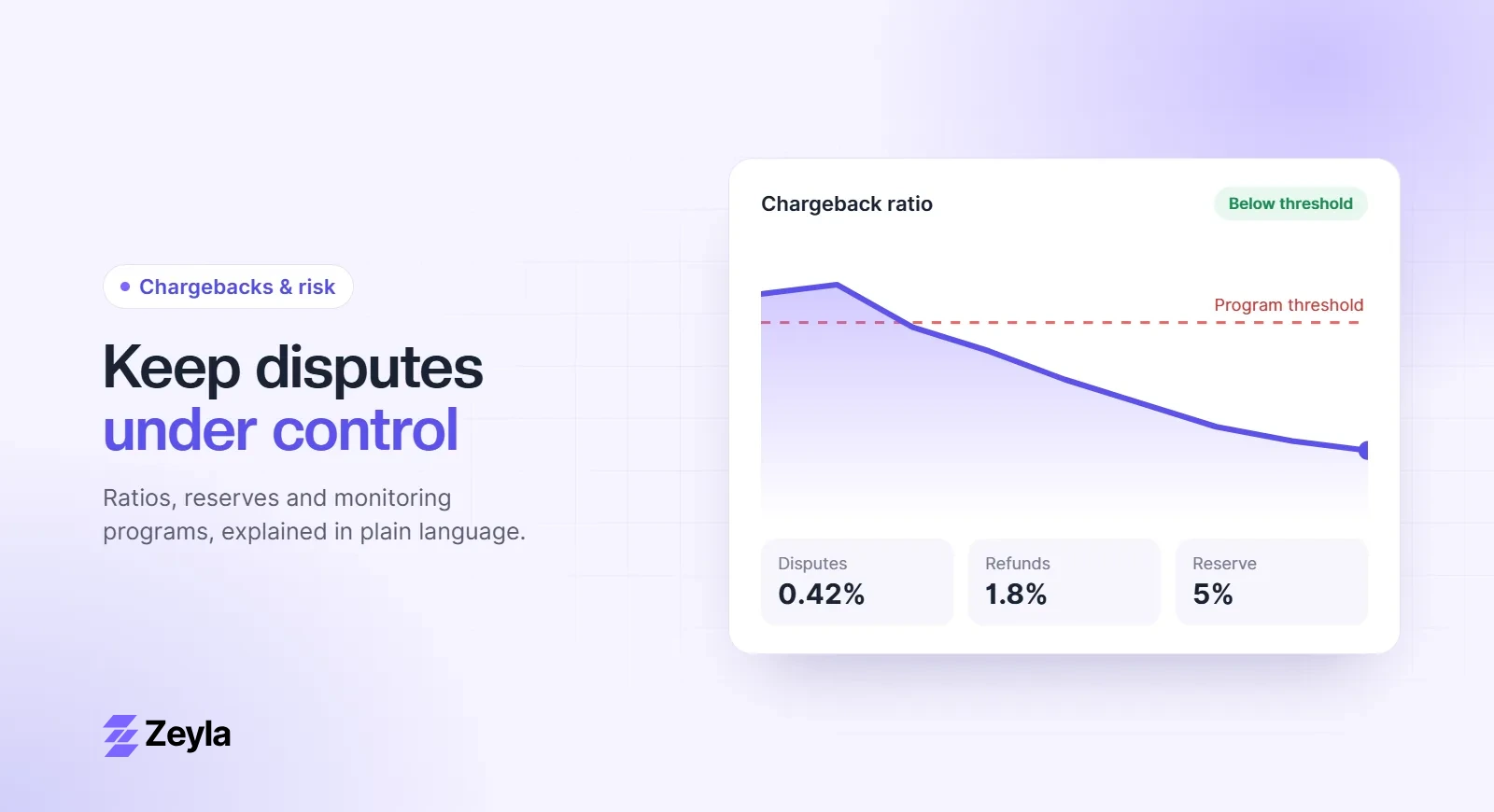
If disputes were part of the problem, the chargeback ratio calculator shows where you stand, and the reason code lookup explains what each dispute means.
Talk to a specialist
Zeyla reviews every application personally, including businesses whose funds are held by another provider. Applying is free and takes about 3 minutes.
Apply in about 3 minutes or read about our PayPal alternative for high-risk merchants.