


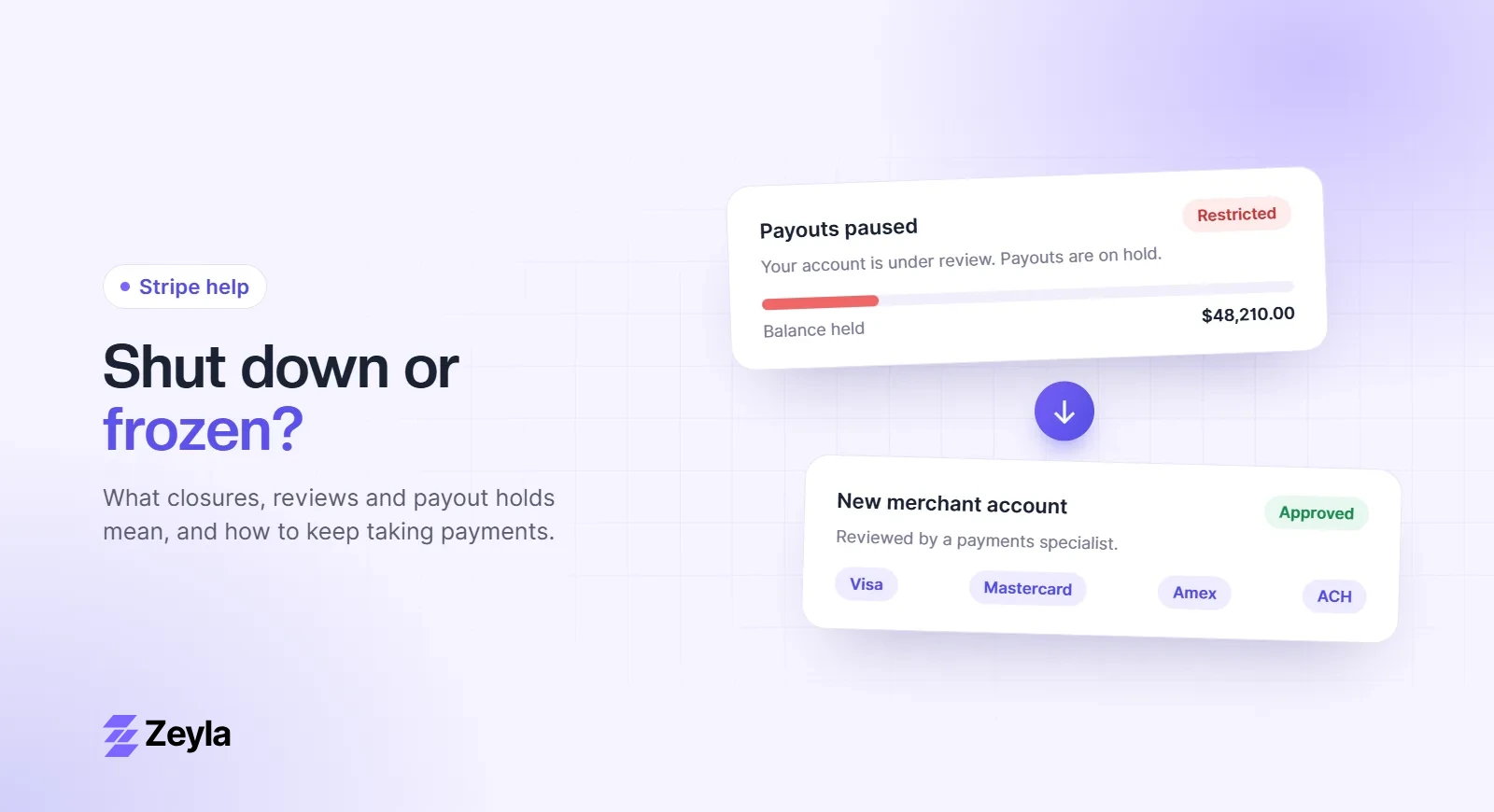
Seeing "payouts paused" in your Stripe Dashboard is stressful, but it doesn't always mean your account is in trouble. The cause decides the fix, so the first job is working out which kind of pause you have.
Zeyla is an independent payment processing company and is not affiliated with Stripe, Inc.
First, check what's actually happening to your money
Several different situations can look like a "hold" from the outside:
- Pending balance: funds that simply haven't finished settling yet. This is normal timing, not a pause.
- A reserve: Stripe is holding back a share of your balance, usually with an email and a reserve section on your Balance page.
- Paused payouts: payouts have stopped until something is resolved.
- A failed payout: Stripe tried to pay you, but your bank rejected it, often because of wrong or closed bank details.
The four common causes of paused payouts
1. Stripe needs more information
This is the most common and the easiest to fix. Look for a banner or task in the Dashboard asking you to verify your identity, business details, bank account or website. Payouts usually restart soon after you complete it.
2. Your balance is negative
If refunds, disputes or fees have pushed your balance below zero, Stripe may pause payouts while it recovers the amount from new sales or your bank account.
3. A risk review
A sudden jump in volume, a run of disputes, a new product line or a change in how you take payment can start a review. Stripe's policy says it may pause payouts while it reviews an account it considers risky. Read what an account review means and what to send.
4. Your account is being closed
If Stripe has decided to close the account, it typically keeps funds for a period to cover future disputes and refunds. Stripe's policy says this is usually 120 days. See how the 120-day hold works.
What to do now
- Read every Dashboard notice and email. Complete each open request in full. Partial answers usually slow things down.
- Check your bank details. Make sure the payout account is open and in your business's name.
- Look at your dispute and refund numbers. If they've risen, write a short explanation of why and what you've changed.
- Keep fulfilling orders. Cancelling orders or slowing delivery during a review tends to cause more disputes, which makes things worse.
- Save your records. Download statements and your transaction, dispute and refund history.
Protect your cash flow while you wait
If your business depends on card sales, don't wait to find out how the review ends. Apply for a backup merchant account now, so a pause doesn't become a stop. This matters most if you sell in an industry that Stripe restricts, because reviews in those categories more often end in closure.
Frequently asked questions
How long do Stripe payout pauses last?
It depends on the cause. Pauses for missing information can clear quickly once you respond. Risk reviews take longer, and pauses linked to closure can last around 120 days.
Can I still accept payments while payouts are paused?
Sometimes. A payout pause doesn't always stop charges, but the money won't reach your bank until the pause is lifted. Check your Dashboard for which capabilities are restricted.
Should I contact Stripe support?
Yes, but answer every open Dashboard request first. Support usually can't move a review forward until the requested information is in.
Need a backup?
Zeyla reviews every application personally and works with businesses that general-purpose providers restrict. Apply in about 3 minutes or read our Stripe alternative for high-risk businesses.