


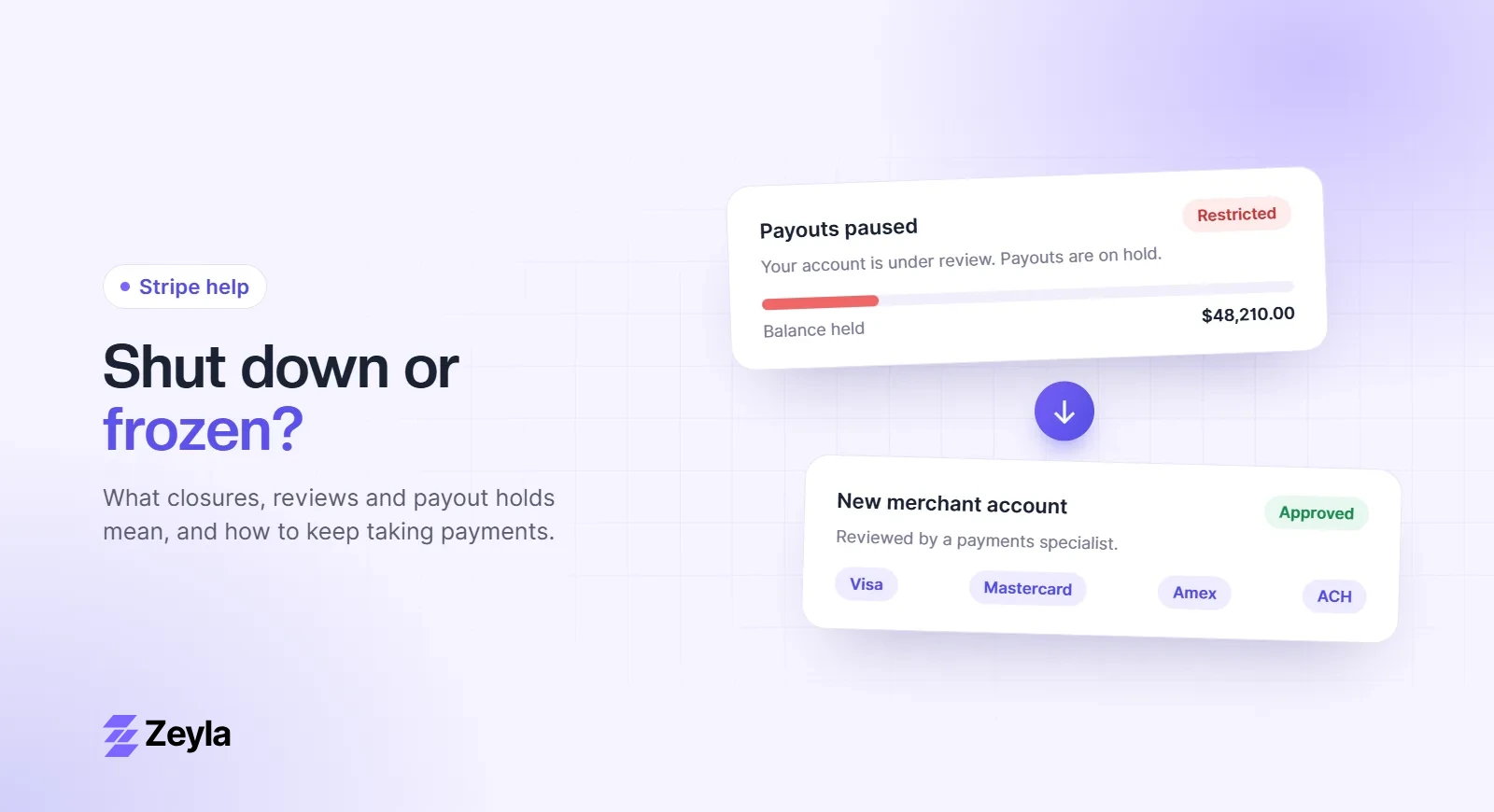
Thinkific has native integrations with Thinkific Payments, Stripe and PayPal. Subscriptions and payment plans only work through Thinkific Payments or Stripe. Trading educators and high-ticket course creators sometimes find those options reviewed or closed.
Zeyla is an independent payment processing company and is not affiliated with Thinkific.
Your options
- Sell through an external checkout connected to your own merchant account, then enroll buyers in Thinkific automatically through an integration or automation tool.
- Keep Thinkific's checkout for low-risk products and move high-ticket or restricted offers to your own checkout.
Using Zeyla with Thinkific
Zeyla merchant accounts can run on the NMI gateway or on our processing partner's own gateway, which includes hosted payment forms, recurring billing, payment plans and ACH (bank) payments. Funnel tools such as GoHighLevel and ClickFunnels connect to NMI.
How to set it up
- Get approved for a Zeyla merchant account.
- Choose a checkout or cart that works with NMI or a hosted payment form.
- Connect purchases to Thinkific enrollment.
- Test purchase, enrollment, refund and cancellation.
See online course and trading education merchant accounts, or apply with Zeyla.
Free checklist
Getting ready to apply?
See every document, website requirement and chargeback control underwriters look for.