


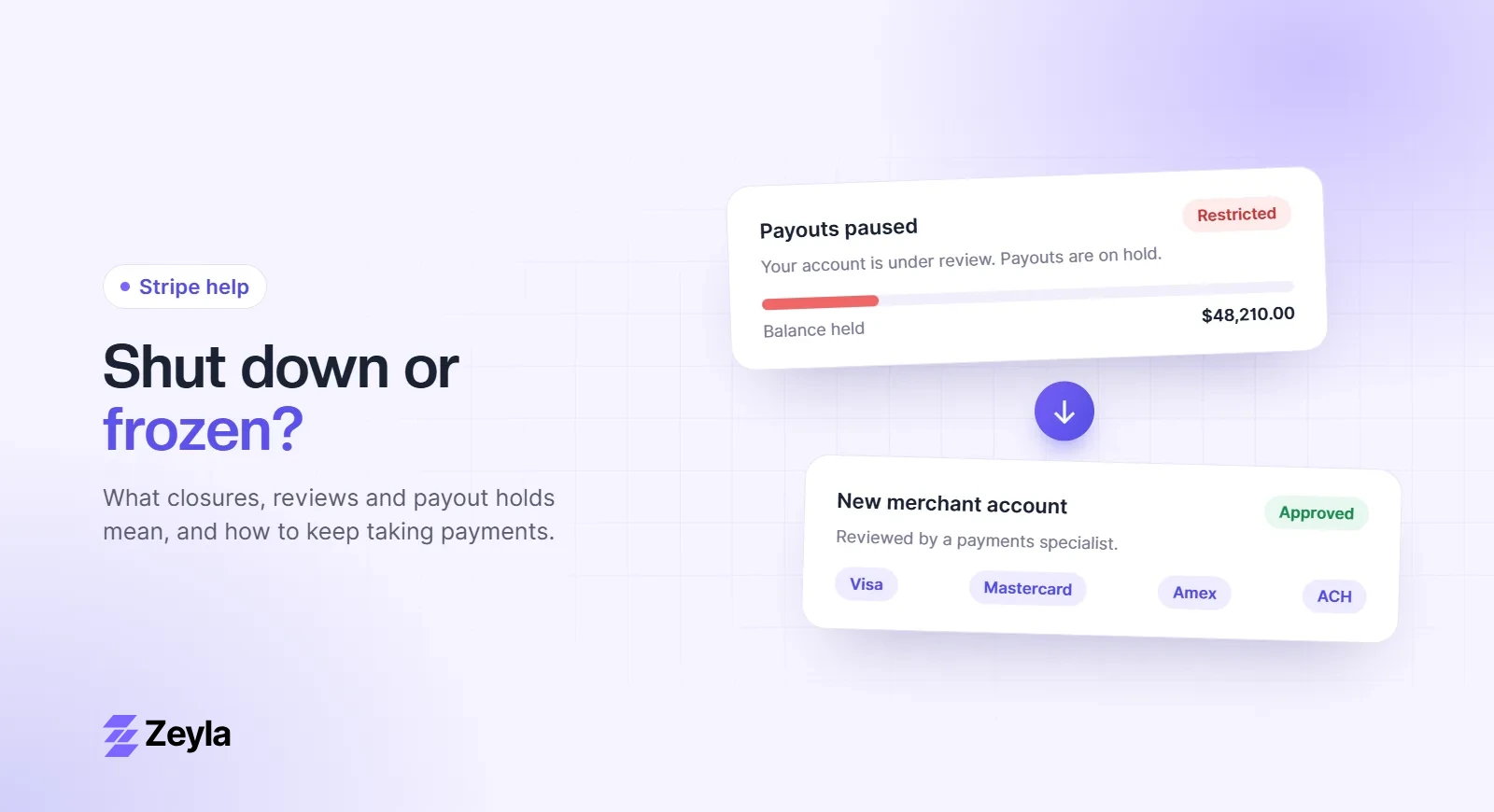
GoHighLevel (HighLevel) runs funnels, order forms, invoices and memberships for agencies, coaches and service businesses. Many of those businesses, such as coaches, trading educators, supplement brands and med spas, get flagged by Stripe. The good news is that HighLevel doesn't lock you into Stripe.
Zeyla is an independent payment processing company and is not affiliated with HighLevel.
Which gateways HighLevel supports
For order forms, HighLevel supports Stripe, Authorize.net, NMI and PayPal. You can set Stripe, Authorize.net or NMI as the default gateway and offer PayPal as an extra checkout option. HighLevel's mobile point of sale also supports NMI and Authorize.net for in-person payments.
Why high-risk businesses use NMI
NMI is a gateway, not a processor. It connects your checkout to a merchant account, so you can use a merchant account that underwrites your industry instead of Stripe's shared account. That's the usual setup for high-risk businesses on HighLevel.
Using Zeyla with HighLevel
Zeyla merchant accounts work with the NMI gateway, so you can connect your Zeyla account to HighLevel and set it as your default gateway for order forms, funnels and invoices.
How to set it up
- Get approved for a Zeyla merchant account.
- Get your NMI API credentials for that account.
- In HighLevel, go to Payments → Integrations and connect NMI.
- Set it as the default for order forms, funnels and invoices.
- Run a test transaction and a refund before going live.
Things to check
- Apple Pay and Google Pay on HighLevel order forms are tied to Stripe, so they may not be available with other gateways.
- Check how subscriptions and payment plans behave with your gateway.
- If you use HighLevel's affiliate manager, check which gateways it tracks.
Apply with Zeyla. Also see coaching and med spa merchant accounts.