


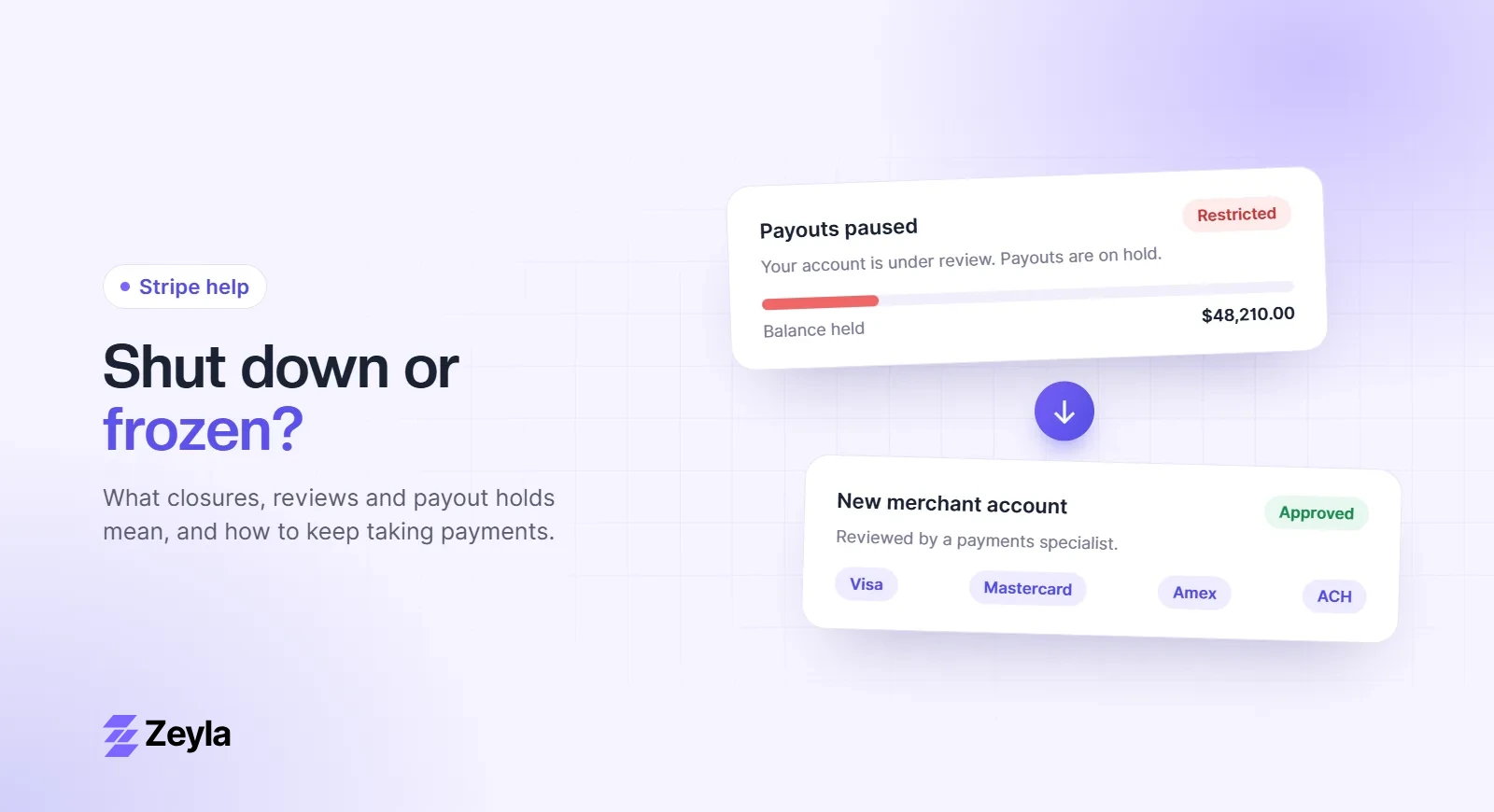
Webflow Ecommerce supports two payment providers: Stripe and PayPal. If your business is restricted by both, Webflow's native checkout isn't an option, but you can keep your Webflow site and take payments another way.
Zeyla is an independent payment processing company and is not affiliated with Webflow.
Your options
- Hosted checkout or payment links. Link buy buttons to a checkout page from a provider that connects to your merchant account.
- An embedded checkout. Some gateways offer embeddable payment forms you can add with Webflow's code embed element. Check that they're PCI compliant and hosted by the gateway.
- Invoices for services, quotes and custom orders.
Using Zeyla with Webflow
Zeyla merchant accounts can run on the NMI gateway or on our processing partner's own gateway, which includes hosted payment forms, recurring billing and ACH (bank) payments. You can link Webflow buy buttons to a hosted form.
Memberships on Webflow
Popular Webflow membership tools such as Memberstack are built on Stripe. See high-risk payments with Memberstack.
Free checklist
Getting ready to apply?
See every document, website requirement and chargeback control underwriters look for.